
Getting started
Select a folder that contains your videos. LocalStream reads the selected location and builds a browsable library view.
Help Centre
Start with folder selection, then use search, tags, playlists, cover art, and backups to keep your personal collection organised.
Watching and organising
LocalStream keeps video controls, progress, tags, playlists, favourites, and cover art tools together so you can organise what you are watching without leaving the player view.
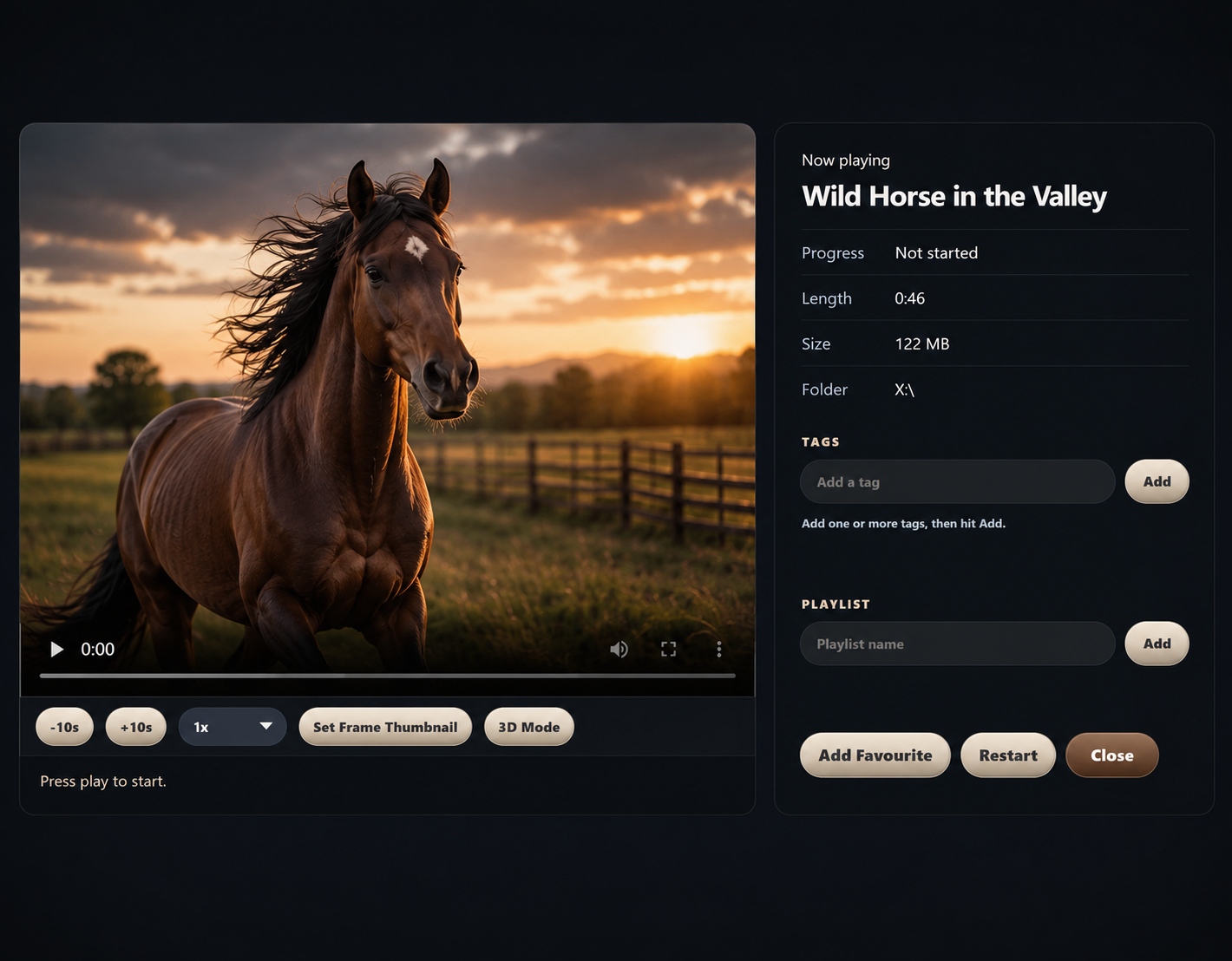
Select a folder that contains your videos. LocalStream reads the selected location and builds a browsable library view.
Use tags, playlists, favourites, custom titles, and custom cover art to make large libraries easier to navigate.
If a drive is unavailable, reconnect it before trying to play videos stored on that drive.
See Backup & Restore for keeping local organisation data portable.
See Keyboard Shortcuts for common keyboard controls.
Prepare a diagnostic report on the Support page without sending it to an external service.